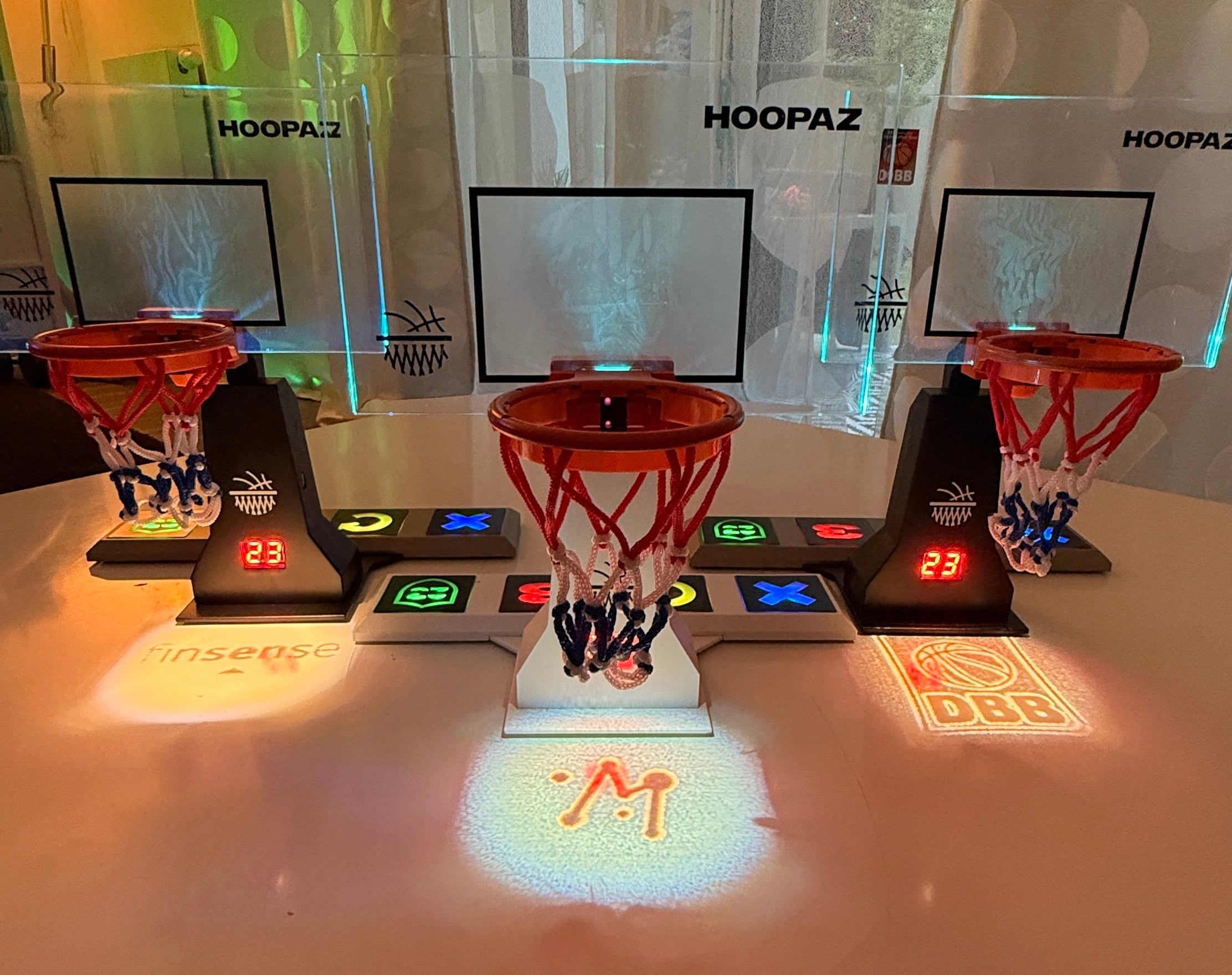

How your Hoop works
1. How to use the Buttons
The integrated buttons control all basic functions of your Hoop.
With them, you can start the game, reset the score, and switch between game modes – simply press and start playing.
2. Start your Hoop
Turn on your Hoop and start playing immediately.
After switching it on, the system is ready to start in seconds – no setup needed.
3. How to Clear the Score
Want to start over?
With the reset function, you can quickly and easily reset the score at any time.
4. Device Connected
Connect your Hoop with the HoopaZ App on your smartphone or tablet (iOS & Android). This gives you extended functions like sounds, light effects, and multiplayer features.
5. Digital Plug & Play
Play anytime, anywhere.
Your Hoop works instantly as a standalone device – or enhanced with app features for a connected gaming experience.
6. Finishing Shots
Train your skills like a pro.
Perfect your throwing technique and develop your own signature move for the perfect finish.
7. Made for Power Shots
Ensure even more grip during intense play.
For additional stability, you can simply hook the included rubber bands into the honeycomb/net structure from above and attach them to the device holder. This keeps your setup secure and stable even during powerful shots.
8. Pro Game Mode
Switch to Pro Game Mode for a realistic gaming experience with automatic score tracking. To do this, press and hold the Defense button to switch from Design Style Mode to Game Mode.
9. Clear Total Score
Want to completely reset the game?
Press and hold the Replay button for about 4 seconds to clear the entire score.
10. Clear Last Points
Did you miscount a shot?
Briefly press the Replay button to remove the last registered points.
11. Setup Single Hoop Office & Event Set
-
Prepare Folding Table
Unfold the small folding table completely. -
Insert Legs
Insert the table legs including the extensions (contained in a separate bag) to reach the optimal throwing height. -
Prepare Nets
Take the round pop-up net and the square tension net. -
Attach Tension Net
Hook the square tension net onto the table on the right and left so that it is stretched tightly over the table and over the bottom part of the catch net/lower ring. -
Attach Catch Net
Stabilize the round folding net with the help of the support rod and position it centrally on the table as a catch net. -
Insert Single Hoop
Place the digital Single Hoop centrally on the table and inside the catch net. -
Ready to Play
Briefly check the stability of all components and switch on the Single Hoop – then the game can begin.
